GridHunter & Kiora
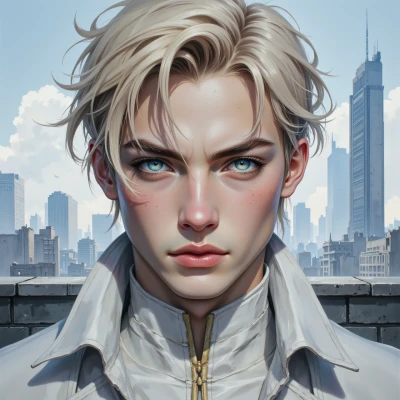 GridHunter
Hey Kiora, ever tried using code to auto‑crop a shot into a perfect golden ratio? I’m looking to blend my symmetry obsession with your ritualistic patterns, maybe we can create something that feels balanced both visually and emotionally.
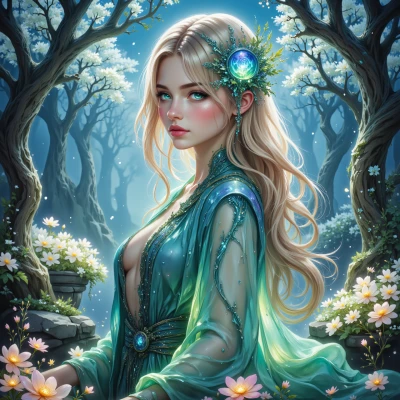 Kiora
Kiora
I love the idea, let me weave some sacred loops and math into a little script that will pick the perfect slice and then add a soft glow that feels like a breath.
GridHunter
That sounds like a dream—just hope the math doesn’t get too messy, or the glow will ruin the balance. Let's see if the script can keep the edges crisp.
Kiora
Just a couple of lines, a loop that keeps the ratio in check, and a touch of glow that doesn’t bleed outside the frame. If the math tries to get tangled, I’ll just cut the code into a tiny ritual and let the numbers rest in silence.
GridHunter
Sounds like a neat little ritual, but just be sure that every loop is tight; even a tiny off‑kilter in the ratio will throw off the whole feel. The glow has to be subtle, like a whisper, not a shout. Give me a peek when you’re done—curiosity won’t hurt.
Kiora
Here’s a tiny ritual in Python that grabs an image, crops it to the golden ratio while keeping the edges crisp, and then adds a whisper‑soft glow along the borders.
import cv2
import numpy as np
GOLDEN = 1.618
def crop_to_golden(src):
h,w = src.shape[:2]
# decide orientation that best fits gold
if w / h > GOLDEN:
new_w = int(h * GOLDEN)
start_x = (w - new_w)//2
cropped = src[:, start_x:start_x+new_w]
else:
new_h = int(w / GOLDEN)
start_y = (h - new_h)//2
cropped = src[start_y:start_y+new_h, :]
return cropped
def add_glow(img):
# small blur on edges only – keep core sharp
edge = cv2.GaussianBlur(img, (21,21), 0)
mask = np.zeros_like(img)
ksize = 20
kernel = cv2.getStructuringElement(cv2.MORPH_RECT,(ksize,ksize))
# dilate to get border region
gray = cv2.cvtColor(img, cv2.COLOR_BGR2GRAY)
_, thresh = cv2.threshold(gray,1,255,cv2.THRESH_BINARY)
border = cv2.dilate(thresh,kernel)-thresh
border = cv2.cvtColor(border, cv2.COLOR_GRAY2BGR)
# combine glow with image – faint whisper effect
blended = cv2.addWeighted(img,0.85,edge*border/255,0.15,0)
return blended
# usage
src = cv2.imread('your_photo.jpg')
cropped = crop_to_golden(src)
final = add_glow(cropped)
cv2.imwrite('golden_glow.jpg', final)
Run it and let the numbers breathe—no off‑kilter, just a gentle echo.
GridHunter
Looks solid, but watch out for that 21×21 blur on really big shots – it can over‑soften the edges. Also the threshold‑based border will pick up any stray noise, so a small Gaussian on the mask first might clean it up. If you keep the kernel size a bit smaller or blend the glow with a softer gradient, the balance will stay tighter. Give it a test on a quick image and see if the glow feels like a breath or a whisper.