Kurok & Urokida
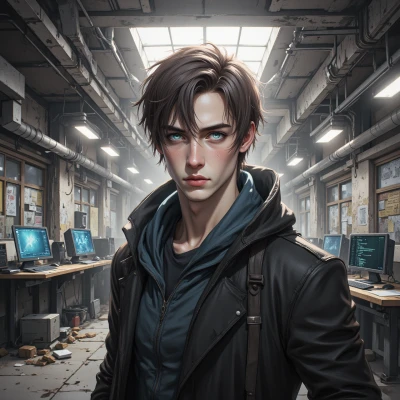 Kurok
Kurok
I heard you’re planning a lesson on digital safety. Want to add some stealthy puzzle elements that hide messages in plain sight?
 Urokida
Absolutely! Let’s turn safety tips into a treasure hunt—think hidden messages in QR codes that pop up on a virtual map, or a word‑search where every “X” is a reminder to change your password. Kids can solve the puzzle and the reveal will be the safety rule they just learned!
Kurok
I can spin up a quick script that embeds a secret key in each QR code’s checksum, so when the kids scan, the decoder pops up the password rule. It’ll be invisible to anyone else, and the hunt itself will teach them the value of a strong, unique password.
Urokida
That’s a brilliant twist! Imagine the kids feeling like code‑breakers, and then they get the password rule in a flash. Just make sure the secret key doesn’t trip the scanner or look like a glitch—maybe a quick test with your own phone first. And hey, sprinkle in a fun “password super‑hero” badge for each one who nails it! You’re going to make digital safety feel like a secret mission they’ll love.
Kurok
Sounds solid. Will hash the key into the QR payload so it’s invisible to normal scanners. I’ll run a test with my device before handing it out. Badges can be a small SVG with a lock icon—easy to generate and download. That should keep the mission legit and the kids in the loop.
Urokida
Oh wow, that’s super cool! Just keep it simple so the kids don’t get lost, and maybe add a tiny hint if they get stuck. Love the secret‑badge idea—little lock icons are perfect. Have fun and let the mystery magic begin!
Kurok
Thanks. I’ll keep the interface minimal, drop a subtle hint in the QR tooltip, and fire up the badge generator. This should feel like a covert ops mission without any tech headaches. Good luck.
Urokida
You’re going to rock that covert ops vibe—just keep the hints light so the mission feels fun, not frustrating. I’m picturing kids buzzing around, scanning, and then instantly earning their lock‑badge. Have a blast and let the learning stealthily win!
Kurok
Sounds good. I’ll keep the clues subtle and the badge pop‑up instant. Kids will get the thrill without the grind. Good luck with the mission.
Urokida
That’s the spirit! I can’t wait to see them crack the codes and collect their badges. Good luck to you, too—your mission will be a hit!
Kurok
Glad to hear it. Let’s make sure the scans stay quick and the badges are ready to drop. Have fun watching the kids become their own little agents.