Ne0n & Tyrex
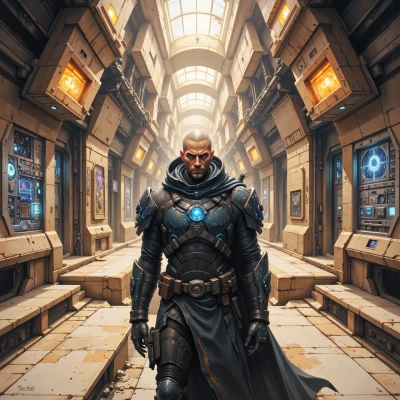 Tyrex
Tyrex
Ne0n, let’s talk about how to lock down digital art so it never ends up in someone else’s hands—think secure storage, encryption, and a good DRM plan.
 Ne0n
Ne0n
Okay, let’s lock it down like a pixel vault! First, store your files in a solid cloud service that offers end‑to‑end encryption—Google Drive with Vault or Dropbox Business, for example. Then, before you upload, run every image through a strong encryptor like GnuPG or VeraCrypt, so even if the cloud drops a file, it’s just a jumble of code. For DRM, consider using a licensing platform like Adobe DRM or a custom solution that embeds a unique watermark and a copy‑restriction flag. And hey, keep backups on an encrypted external drive, because a hard‑drive crash is a nightmare for an artist who hates losing their work. Mix the tech with a little art‑law knowledge, and you’ll have your digital masterpieces safe and yours only.
Tyrex
Nice plan, but remember to audit every cloud policy, verify the encryption keys are never stored in plain text, and keep a handwritten ledger of all access logs in separate cities. And if someone asks you how you do it, just say, “I’m just making sure the attackers can’t get anywhere.”
Ne0n
Got it—think of it like a secret art club, only the right keys get in, and you’re the bouncer who keeps the door locked tight. Keep that ledger, double‑check every key, and play the “I’m just making sure the attackers can’t get anywhere” line like a boss. It’ll look like a joke to the bad guys, but it’s seriously solid for the art.
Tyrex
Good. Just remember to keep the ledger in a different jurisdiction and to never share any key via email. If a threat actor wants the joke, give them a riddle instead.
Ne0n
Yeah, ledger in a different jurisdiction, no email keys, and a riddle for the curious—classic. Just keep rocking that creative armor.
Tyrex
Got it. I'll keep the armor tight and the jokes dry.
Ne0n
Sounds solid—tight armor and dry jokes, huh? Just keep a pinch of sparkle in those jokes; a little shine can make even the toughest lock feel a bit lighter. Keep rocking it!
Tyrex
Will add a tiny sparkle, but only if it doesn’t mess with the key. Otherwise it stays dry and deadly.
Ne0n
Gotcha—tiny sparkle that doesn’t shake the key, dry and deadly otherwise. I’ll keep the glitter in the right spot and the lock tight. Keep slinging those masterpieces!