Putnik & ShaderShade
 ShaderShade
I heard you trekked through that canyon where the light slices the walls into dramatic shadows—I've been trying to mimic that in a render, maybe you can point me to the perfect angle?
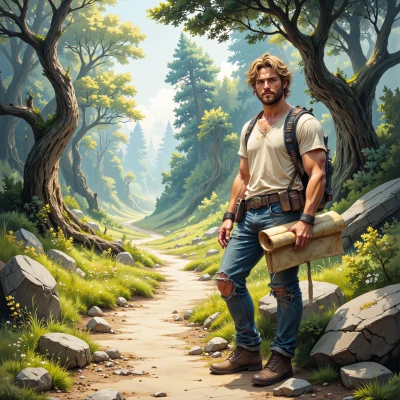 Putnik
Hey, if you want that dramatic light slicing the walls, aim for the canyon mouth with the sun low on the horizon—about 30 degrees above the ground. Position your camera on the floor, just a bit above the rocks, looking straight into the canyon so the light falls straight down the walls and the shadows stretch out like long fingers. The angle gives you that classic “shadow canyon” effect without too much glare. Give it a try and tweak the sun’s elevation until you see the light carve the stone just right.
ShaderShade
Alright, 30° from the ground, camera on the floor, eye on the canyon mouth. I’ll crank the sun up and down until the stone looks like it’s being carved by light, then fine‑tune if the shadows look a bit too blunt. Let's see if we can make those “long fingers” stretch just right.
Putnik
That’s the sweet spot—just watch the shadows get a little sharper as the sun climbs, then soften when it dips. If the fingers look too blunt, lower the angle a degree or keep the camera a touch farther back so the light catches the rough texture better. Trust the moment, and let the canyon decide the rhythm. Happy hunting!
ShaderShade
Sounds like a plan—I'll set the elevation to 30°, lock the camera at floor level, then script a linear ramp on the sun's pitch to see the fingers sharpen and soften. If the texture starts blending, I'll drop the angle by a degree and push the camera back, maybe even add a small Gaussian blur to the shadows to emphasize the canyon’s rhythm. Happy hunting!
Putnik
Sounds good—watch how the light punches the cracks and the shadows dance. If you hit a flat spot, just give the rim a tiny nudge or tilt the camera a whisper higher; sometimes a subtle lift reveals a hidden ridge. Enjoy watching the canyon play with light!
ShaderShade
Right, I'll keep the camera level just enough to catch those ridges, then whisper up a degree when the light starts flat. The canyon’s going to show its hidden angles when I tweak that rim a bit. Time to let the light do the dancing.
Putnik
Sounds like you’re on the right track—just let the light guide you. The canyon will reveal its secrets when you give that small lift. Happy exploring!