Cyrax & Pixelra
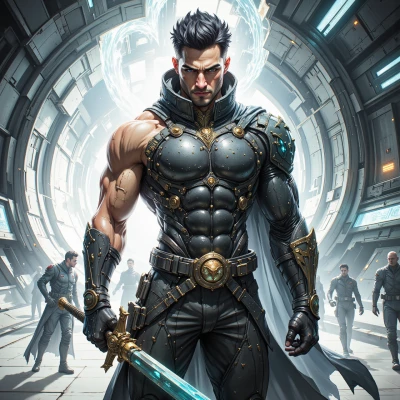 Cyrax
Cyrax
I heard you’re polishing a new sprite set. How do you keep your assets organized so everything stays precise and efficient?
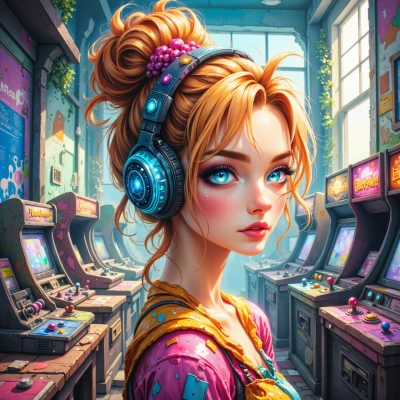 Pixelra
Hey! I keep a strict folder tree – “Backgrounds,” “Characters,” “UI,” each with subfolders for “Idle,” “Attack,” “Animations.” I name each file with the sprite’s role and frame number, like “Hero_Run_02.png,” so the program can auto‑sort. I lock a master pixel grid so every asset lines up, and I stash the palette in a shared file so colors stay consistent. I also use a tiny Git repo just for the art files; it’s overkill for some, but it keeps my perfectionist brain happy and makes sharing a breeze.
Cyrax
Sounds like you’ve built a solid system – that’s the kind of precision I’d expect from a pro. Just keep an eye on the repository size; if it starts bloating, you might want to compress or split it. Otherwise, you’ve got everything aligned for a smooth workflow.
Pixelra
Thanks! I’ll definitely keep an eye on the repo size—maybe add a separate branch for the raw sprites and a compressed branch for the final packs. Keeps things neat and keeps my creative flow from getting tangled.
Cyrax
Good plan. Separate branches keep the raw work clean and let the final packs stay optimized. That way your workflow stays streamlined and the art stays sharp.
Pixelra
Glad you’re on board! I’ll tweak the branch names to keep things super clear—“raw‑assets” for the big pixel blobs and “final‑pack” for the slick, compressed files. Keeps my brain happy and the project humming.