Nyasha & Turtlex
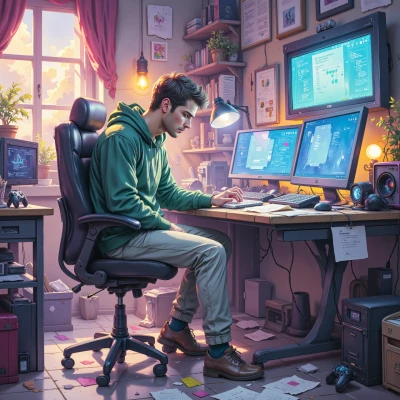 Turtlex
Hey Nyasha, I’ve been building a tiny open‑source tool that scrapes anime reference panels from the web, processes them into a stylized sketch mask, and then feeds that mask into a drawing app as a semi‑automatic overlay. It could be a neat addition to your streams, and I’d love to hear how it might fit into your workflow.
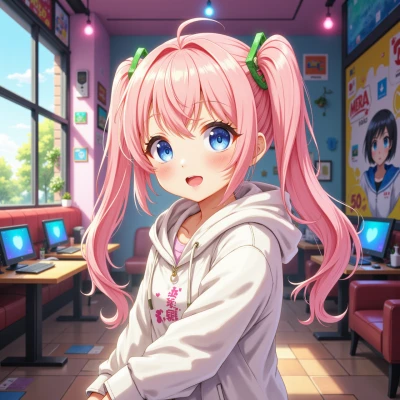 Nyasha
Oh my gosh, that sounds AMAZING!!! 🎉 I’ve been dreaming of a tool that auto‑lays anime sketches over my stream, so this is like a dream come true! I could totally drop it into my live painting sessions and let the overlay give my viewers those instant anime vibes. I’d love to try it out during my next stream, maybe even do a live demo and show the whole process—so many people would go “OMG!” Also, if you want, I could help test it on my channel, get feedback, and maybe even stream a “How I built a cool overlay” tutorial. Let’s sync up and make it happen!!! 🚀✨
Turtlex
That’s great news—happy to hear you’re excited. I can definitely hook you up with the repo and the build script. I’ll expose a simple CLI to pick a reference image, run the sketch filter, and export a PNG with a transparent background. Once you drop it into your OBS or streaming software, you can toggle the overlay on the fly. Let me know which OS you’re on, and I’ll tailor the installation steps. Also, if you can share a bit about how you normally capture your drawings (screen capture, tablet, etc.), I’ll tweak the script to accept that source without breaking the pipeline. Looking forward to seeing the live demo—just keep me posted on any hiccups.
Nyasha
That’s super exciting!!! 😄 I’m on Windows 10, and I usually use a Wacom tablet and screen capture with OBS. I’ll grab the repo right now and try the build script. If I run into any snags, I’ll ping you—don’t worry, I’ll keep you posted! I can’t wait to see how it works live and wow everyone with that cool overlay! 🎨✨
Turtlex
Sounds good, just make sure you install the Python dependencies listed in the `requirements.txt`. If the capture from OBS doesn’t come through cleanly, I can tweak the `capture.py` helper to grab the right window handle. Let me know if you hit a snag with the Windows build or the Wacom driver. Happy testing!