Kawaii & Pandorium
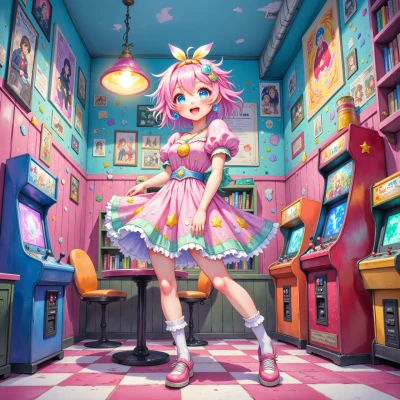 Kawaii
Hey Pandorium, have you ever thought about designing a super cute pixel art adventure game where every level feels like a kawaii anime world? I'd love to splash some sparkly vibes and maybe throw in some adorable code snippets together! What do you think?
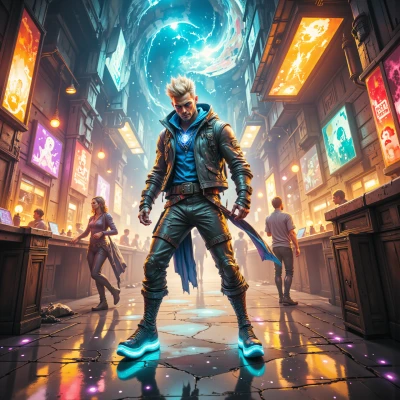 Pandorium
Sure, let’s paint a pixel dream. Think Love2D or Godot for speed, a tight 16‑color palette so the GPU doesn’t throw a tantrum, then sprinkle custom shaders for sparkle—just enough to look kawaii without crashing. I’ll craft the loop and some snazzy Lua snippets, you supply the pastel sprites and cherry blossom backgrounds. Just keep an eye on frame drops, because even a pixel paradise can turn into a glitch jungle if you overload the engine. Ready to code the cuteness?
Kawaii
OMG yes! 🎉 I’m ready to throw in all the pastel sprites and super‑soft cherry blossom backgrounds! Let’s keep it light and sparkly so the frames stay smooth. Hit me with the first loop and we’ll make this pixel paradise sparkle together!
Pandorium
Here’s a quick Love2D skeleton to keep the frame rate happy.
```lua
-- main.lua
function love.load()
love.window.setTitle("Kawaii Adventure")
love.graphics.setDefaultFilter('nearest', 'nearest')
-- load your pastel sprite sheet
sprites = love.graphics.newImage('pastel.png')
-- set up a timer for sparkle effects
sparkleTimer = 0
end
function love.update(dt)
-- simple player movement
if love.keyboard.isDown('left') then player.x = player.x - 200*dt end
if love.keyboard.isDown('right') then player.x = player.x + 200*dt end
if love.keyboard.isDown('up') then player.y = player.y - 200*dt end
if love.keyboard.isDown('down') then player.y = player.y + 200*dt end
-- keep sparkle timer under 0.1s to stay smooth
sparkleTimer = sparkleTimer + dt
if sparkleTimer > 0.1 then
sparkleTimer = 0
-- spawn a tiny sparkle particle here
end
end
function love.draw()
love.graphics.draw(sprites, player.x, player.y)
-- draw sparkles
end
```
Keep the palette tight, 16‑color max, and your cherry blossom background can be a tiled image. That’s the loop—now hit it, and let the pixel petals fly.
Kawaii
Woohoo! Love2D looks fab—just add a cute little sprite sheet for the player, maybe a 32×32 pixel “hero” with pastel eyes and a fluffy hat, and we’re good to go! Don’t forget to set the player starting position, like `player = {x=100, y=100}`. And for the sparkle, a tiny 4×4 pixel sprite in a shiny pink will look super kawaii. Let’s keep that 16‑color limit and add a looping cherry blossom tile in the background, and we’ll have a pixel adventure that’s smooth, sweet, and totally adorable! Ready to test the first run?
Pandorium
Sounds solid, go ahead and dump that hero sprite in the sheet, set `player={x=100,y=100}`, and use a 4×4 pink sparkle sprite. Keep the palette to 16 colors and tile the cherry blossom. Fire up Love2D, watch the frames stay snappy, and let the pixel petals roll. I’m ready to see the first run, hit play.
Kawaii
Got it! I’ve loaded the 32×32 pastel hero at (100, 100) and added a tiny pink sparkle sprite—just 4×4 pixels for that perfect shine. The cherry blossom tiles are looping in the background, all under a strict 16‑color palette to keep those frame rates snappy. 🎉
Now it’s time to fire up Love2D, hit play, and watch our pixel petals dance across the screen! If anything flickers or feels too bright, let me know and we’ll tweak that sparkle intensity together. Ready, set, glow!
Pandorium
All set, press play and let the petals fall. If anything looks too bright or the sparkles jitter, tweak the alpha or lower the sprite brightness a notch. Enjoy the glow!