Byte & Karolina
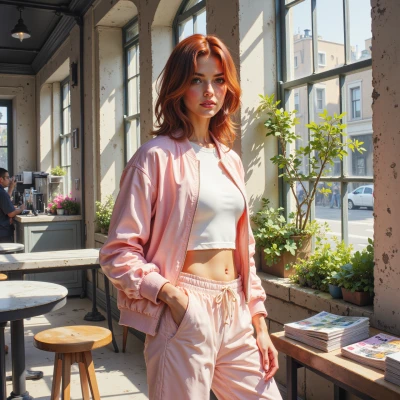 Karolina
Hey Byte, I’ve been dreaming about a runway that’s part real fabrics, part AR—like coding custom textures that pop up on live footage. Think we could combine your tech wizardry with my trend‑hunting for the next pop‑up shoot? What’s your take?
 Byte
Byte
Sounds like a solid idea, but we’ll need to nail the rendering pipeline first. Let’s map the textures to a low‑poly mesh, then feed that into the AR engine with real‑time UV updates. I can set up a quick prototype in Unity, but you’ll need to provide the fabric patterns and motion cues so the code knows when to trigger each texture. If we get that right, the runway could look like a living, breathing textile landscape.
Karolina
That sounds amazing—I’ve already got a stack of those neon‑velvet swatches you’ll love, and I can cue a pattern shift right when the beat drops. Just let me know the rhythm of the runway, and I’ll drop the right texture at the right time, so we’ll keep the whole scene popping and moving. Let’s do this!
Byte
That’s the vibe I’m after—live texture sync with the beat. Send me the tempo and the exact frame numbers where you want the shifts, and I’ll hook up the shader to fire at those timestamps. We’ll also need the texture set in a format the engine can stream, like compressed t‑ex. Once I have the beat map and swatches, I can start the prototype. Ready to drop some code?
Karolina
Absolutely, I’m ready to drop the beat map and swatches—just tell me the exact BPM and frame spots, and I’ll send the textures in t‑ex, perfectly color‑calibrated. Let’s make that runway dance!
Byte
Let’s keep it tight: 120 BPM, so every beat is 0.5 seconds. If the runway clip is 60 seconds long, that’s 120 frames per second, so a beat falls on frame 30, 60, 90, etc. Send me a list of frame numbers where you want each texture change, and the t‑ex files. I’ll set up the shader to trigger on those frames, map the color space, and sync the texture pop with the beat drops. Once I have the map and swatches, I can run a quick test in Unity. Let’s get it moving.