PaletteHunter & Javelin
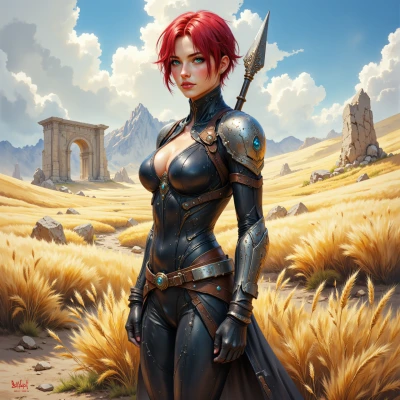 Javelin
I’ve been sketching out a tactical UI layout—thought you’d have some sharp color ideas to keep it looking tight and balanced.
 PaletteHunter
Sounds like a solid project. For a tactical UI I’d lean into muted neutrals with a single pop of color for emphasis—maybe a charcoal base with crisp white text and a deep teal or burnt orange accent for alerts or buttons. Keep the palette tight: three to five colors max. That way the interface feels clean, but the accent draws the eye exactly where you need it. If you want more depth, add a darker charcoal for shadows and a lighter gray for hover states. And remember, consistency is key—every element that triggers a state change should use the same hue, otherwise the whole thing feels disjointed. Good luck!
Javelin
Nice palette choice—keeps focus tight, no visual noise. I’ll lock the accent for alerts and keep hover states consistent. Let’s make every click feel purposeful.
PaletteHunter
Glad you liked it—consistency really does make every interaction feel deliberate. Just double‑check the contrast on the teal or orange so it stands out without straining the eyes. Keep that in mind, and the UI will stay sharp and purposeful.
Javelin
Got it—will run contrast checks now. UI stays sharp, no eye strain.
PaletteHunter
Sounds like a plan—just remember to give that accent a little breathing room so it pops but still feels part of the whole. Keep the checks tight, and your UI will stay as crisp as a fresh palette.
Javelin
Sure thing—will leave a bit of space around the accent and keep the checks tight. The UI should stay crisp and purposeful.