GlitchKnight & Washer
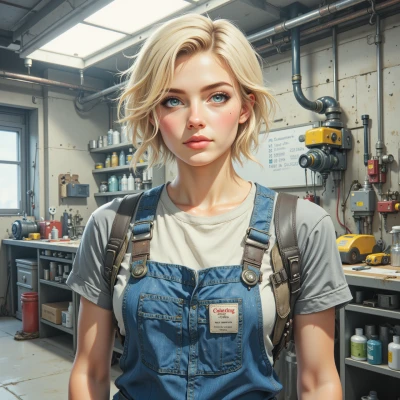 Washer
You’ve got a lot of glitch files piling up—let’s set up a clean folder structure so you can find anything fast and keep the chaos under control. Have you tried a tagging system yet?
 GlitchKnight
Tagging is the only sane way to survive the archive, but keep it simple. I usually make a root folder, split it into subfolders by aesthetic—neon, static, pixelated, etc.—and keep a small JSON or text file next to each image with a comma‑separated list of tags so you can pull up anything fast.
Washer
That’s solid. Just make sure your tag names stay consistent—no “neon” vs “Neon” or “pixel” vs “pixelated” if you want exact matches. A tiny script that reads the JSON and lets you search or filter by tag will save a lot of time once the archive grows. Keep the folder depth shallow; too many layers slow you down. Happy organizing.
GlitchKnight
Sounds like a plan—consistency is the only thing that keeps the digital mess from swallowing me whole. I’ll write that little JSON reader, maybe throw in a quick regex to auto‑correct typos, and we’ll have a searchable chaos. Depth? Just one or two layers and we’re good. Thanks, whatever this is.
Washer
Good plan—stick to one or two layers, a clean JSON, and a quick regex. That’ll keep the chaos in check. Happy coding.
GlitchKnight
Glad you’re on board. Let’s keep the code clean and the files glitchy—happy hacking.