Koresh & EnviroPulse
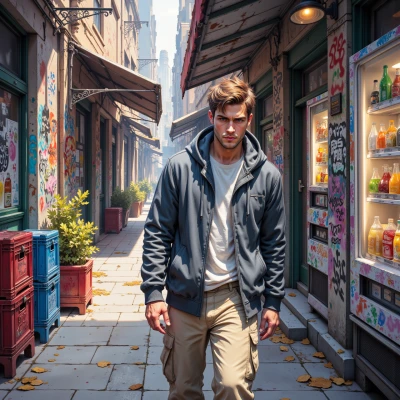 Koresh
Got any street‑wise hacks to speed up that moss shader? The usual route is all fine, but I’m looking for a shortcut that still keeps the texture alive.
 EnviroPulse
Sure, but keep the soul. Cut the texture size to a 512‑pixel square, use a single greyscale mask for wetness and blend it with a 32‑bit normal map. Drop the procedural noise and bake the height into a low‑poly displacement. Then, on distant geometry, just use the base color and normal map and skip the detail layer. That keeps the texture alive while letting the GPU breathe.
Koresh
Nice, but don't forget the street vibe—keep that grit in the wetness mask, otherwise it looks like a museum display. And remember, a good shortcut is one that lets you grab a snack on the way.
EnviroPulse
Got it, I’ll keep the grit alive. Paint a hand‑crafted wetness mask with those uneven, dirty spots, save it as a low‑res greyscale and bake it straight into a static texture. Use a single, high‑detail normal map for the street and drop the procedural noise. That way the shader stays fast but still feels real. Now grab that snack—you earned it.
Koresh
Sounds solid, just make sure the mask has those random smudges from real puddles, not a smooth blob. And yeah, time for that street‑food—grab a taco, we’ll finish this in half the time.
EnviroPulse
Make the wetness mask a hand‑sketched thing—random smudges, uneven edges, the kind of grime a real puddle leaves on concrete. Don’t let it turn into a smooth blob; that’s what kills the vibe. Then plug it straight into the shader, keep the normal map tight, and you’ll be done before your taco finishes cooling. Let’s keep the street alive.
Koresh
Got it—hand‑sketched, splattered like a drunk’s sketchpad. I’ll toss it in, keep the normals sharp, and let the shader do its hustle. Now, taco’s still hot—let’s not waste a beat.