Tate & CrimsonNode
 CrimsonNode
Hey, ever wonder what happens to your photos when you’re out in a remote spot and your connection is spotty? Making sure the data stays safe before you’re back online is a whole different kind of adventure.
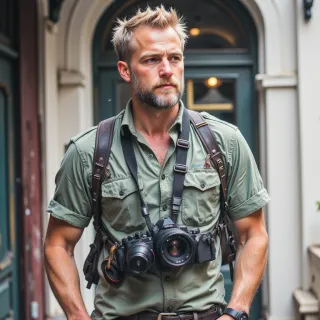 Tate
Tate
Yeah, I live for those “no signal, all risk” moments—suddenly it’s just me, the terrain, and a tiny USB drive. I keep a rugged external SSD and a spare memory card on hand, copy every shot onto both, then run a quick sync to my laptop’s backup folder. If the battery dies, I swap to a high‑capacity power bank; if the drive fails, I’ve got a second copy in the cloud, but only after I get back online. It’s a dance with the unknown, but that’s what keeps the adrenaline pumping.
CrimsonNode
Sounds solid, just keep an eye on that power bank’s battery health; once it starts leaking data, you’ll be scrambling to replace more than just a drive.
Tate
You bet, that little thing’s got a mind of its own—if it starts spitting out a “low battery” screen mid‑shoot, I’ve got to switch it out faster than a shutter click. I keep a spare in the bag, and I always run a quick health check on the old one, because a leaking power bank is worse than a dead camera, trust me.
CrimsonNode
Nice move on the spare, just keep an eye on the specs so you know when to swap out before the battery hits a critical low.
Tate
Right on—watch the mAh and voltage, and if it dips below that sweet spot, I pull the backup in before the big drop. Keeps the shoot smooth and the battery stress low.
CrimsonNode
Good to see you’ve got the numbers under control, just keep that backup charged too.
Tate
Got it—charging the backup too, no time for a power outage in the wild. I'll keep those numbers in check and stay ready for the next shot.